CyberDefenders - Spotlight
Table of Contents
Scenario
Spotlight is a MAC OS image forensics challenge where you can evaluate your DFIR skills against an OS you usually encounter in today's case investigations as a security blue team member.
Category: Endpoint Forensics
Tools: - Autopsy - mac_apt - SQLite - steghide
Questions
Q1: What version of macOS is running on this image?
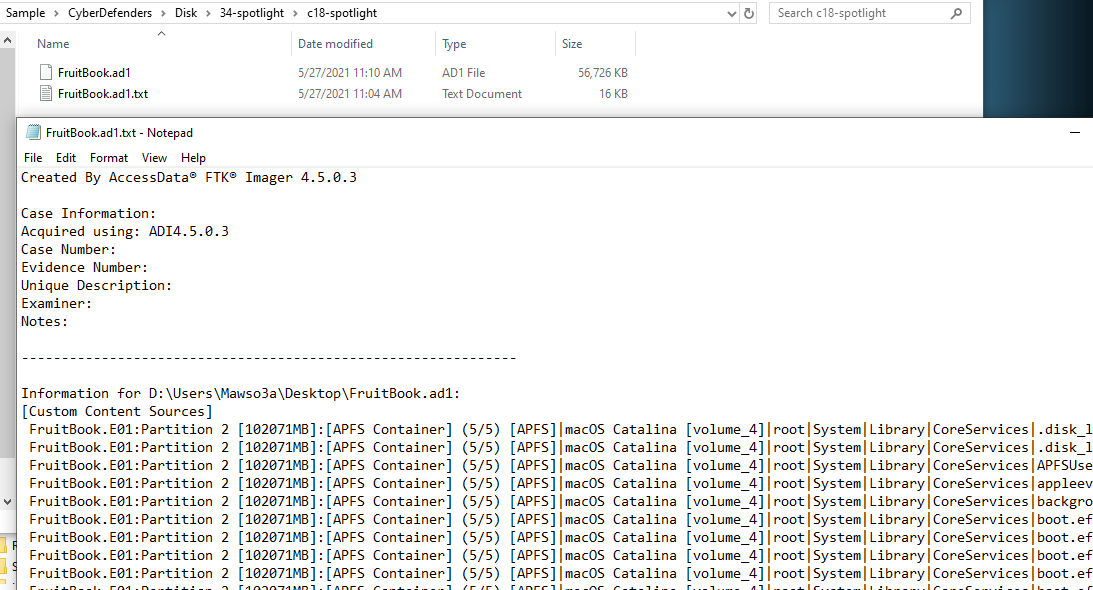
Lets start by finding out clue about this image using text file generated by FTK Imager, which you can see macOS version name Catalina
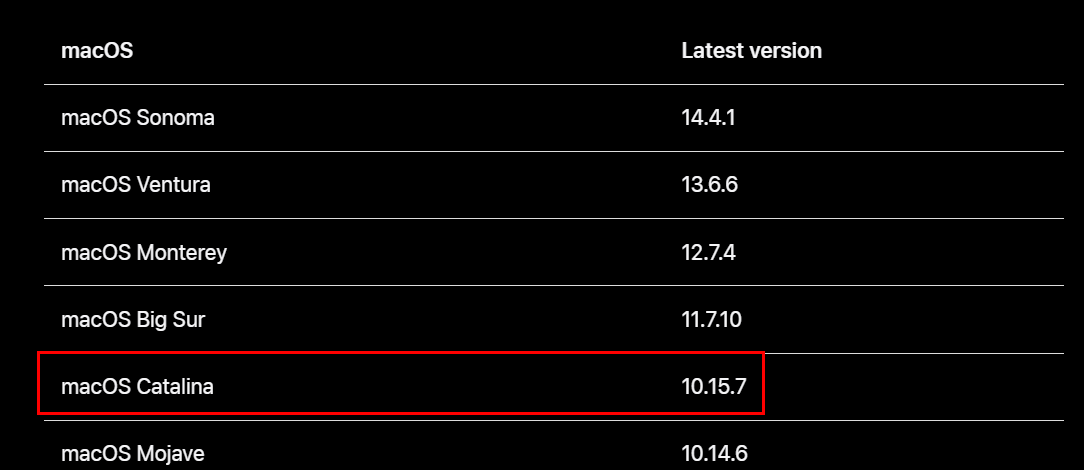
According to apple support, this major version is 10.15
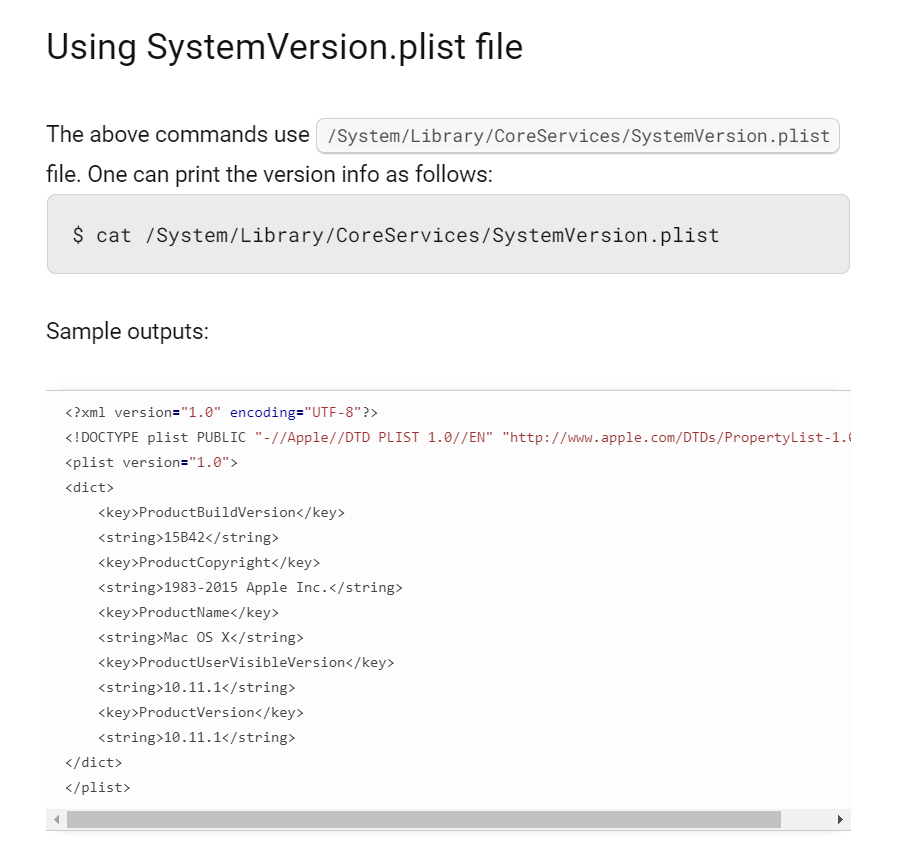
The other way to find out this answer is to read SystemVersion.plist file (Credit to https://www.cyberciti.biz/faq/mac-osx-find-tell-operating-system-version-from-bash-prompt/)
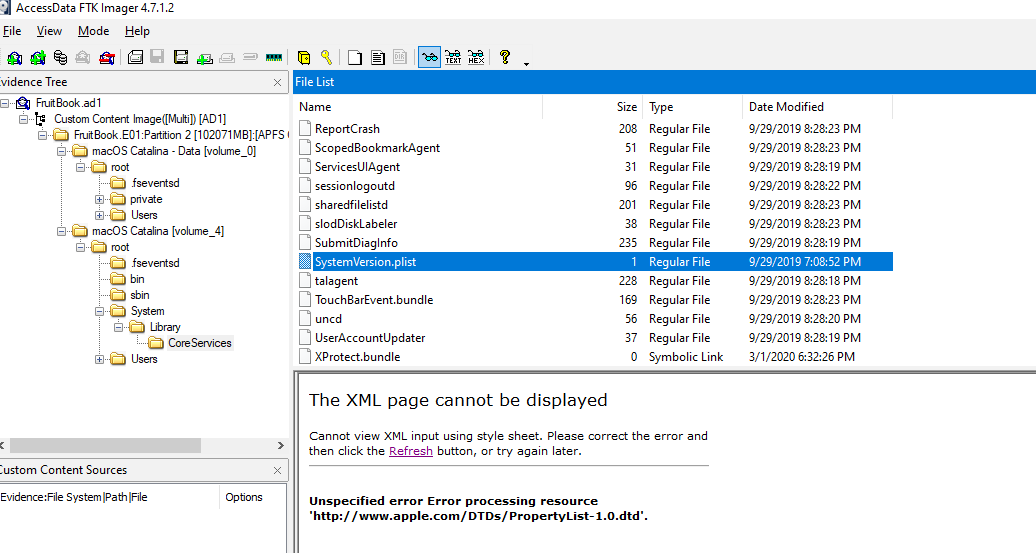
Open evidence file using FTK Imager then go to the CoreServices directory to export plist file
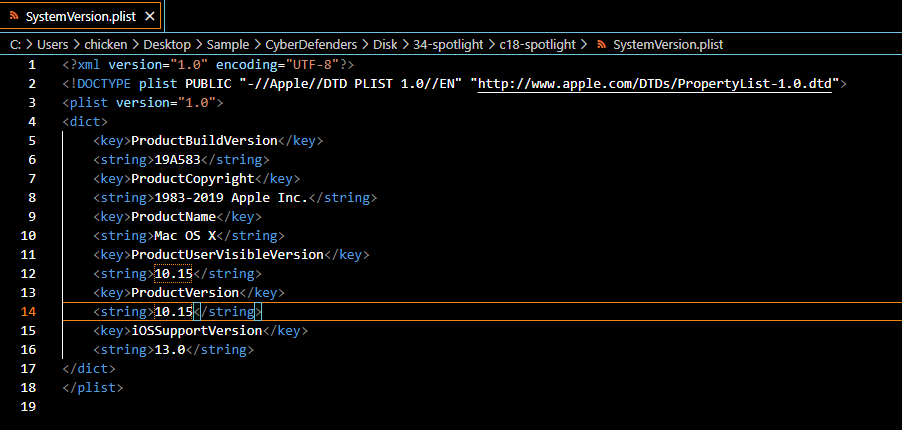
Open this file with your preferred text editor (preferably with plist editor)
10.15
Q2: What "competitive advantage" did Hansel lie about in the file AnotherExample.jpg? (two words)
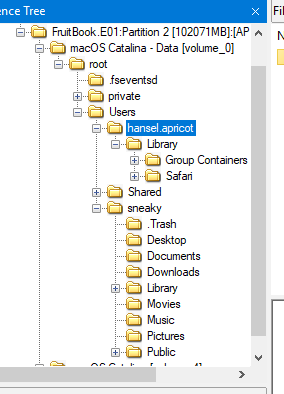
You can see that there are 2 users on this machine which are hansel.apricot and sneaky
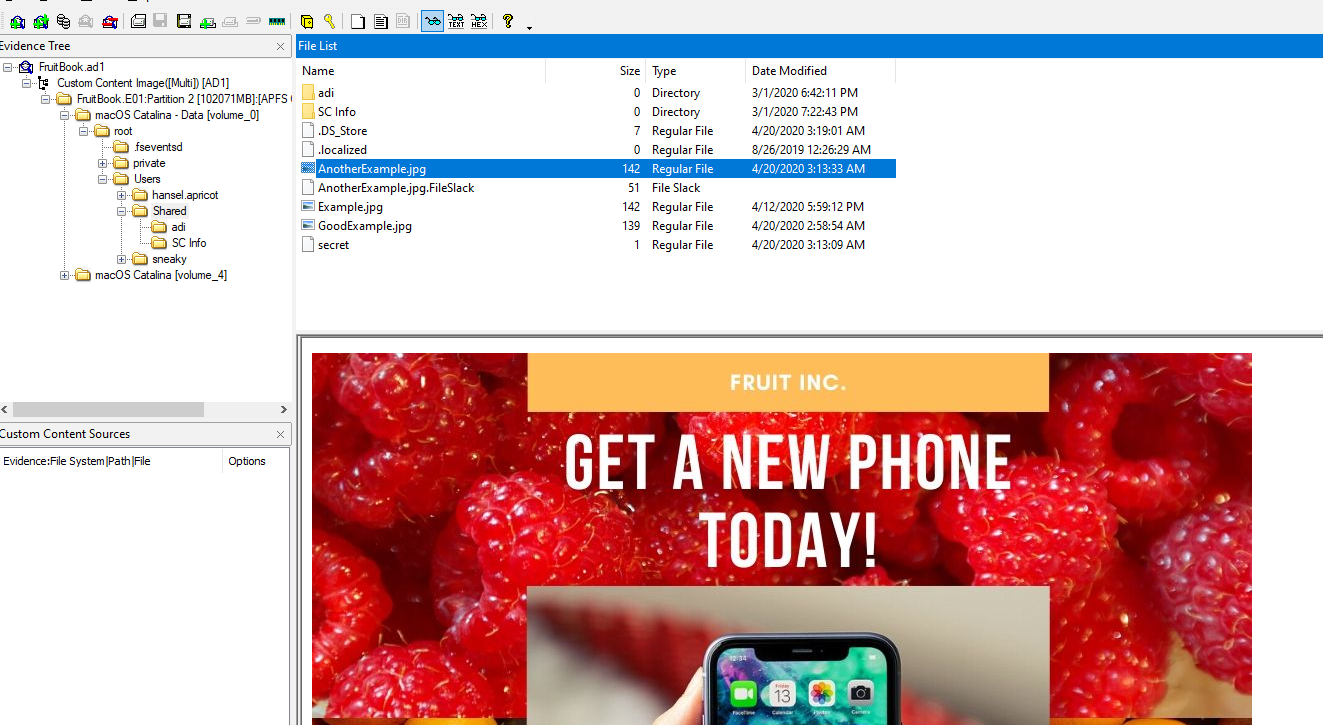
But AnotherExample.jpg could be found on Shared directory
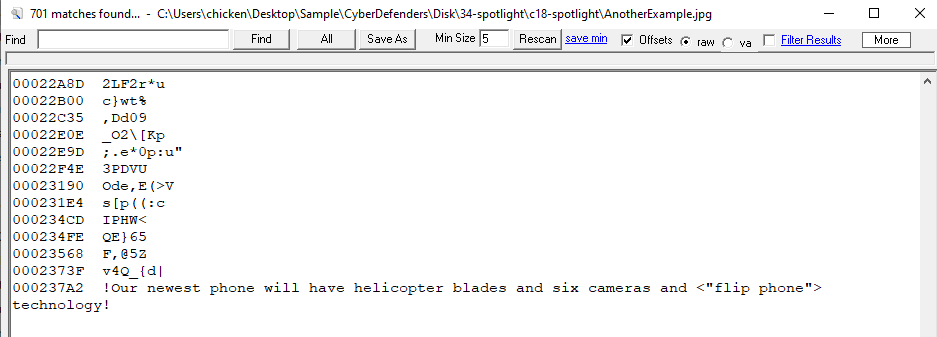
Export an image and using strings to find out the secret, you will find that the secret is "flip phone"
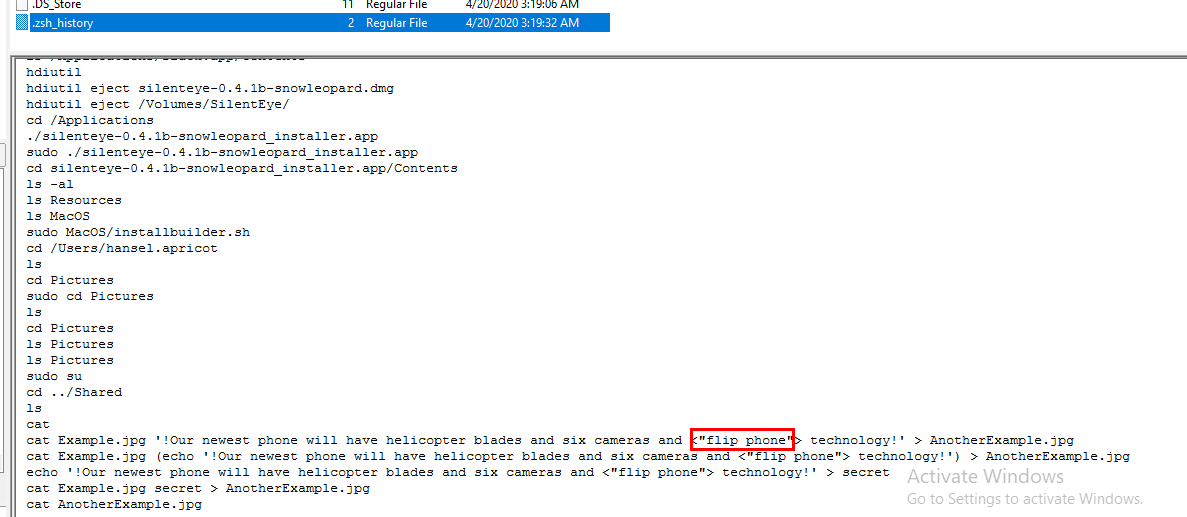
Another way to obtain this answer is to go to sneaky home directory and read terminal history
flip phone
Q3: How many bookmarks are registered in safari?
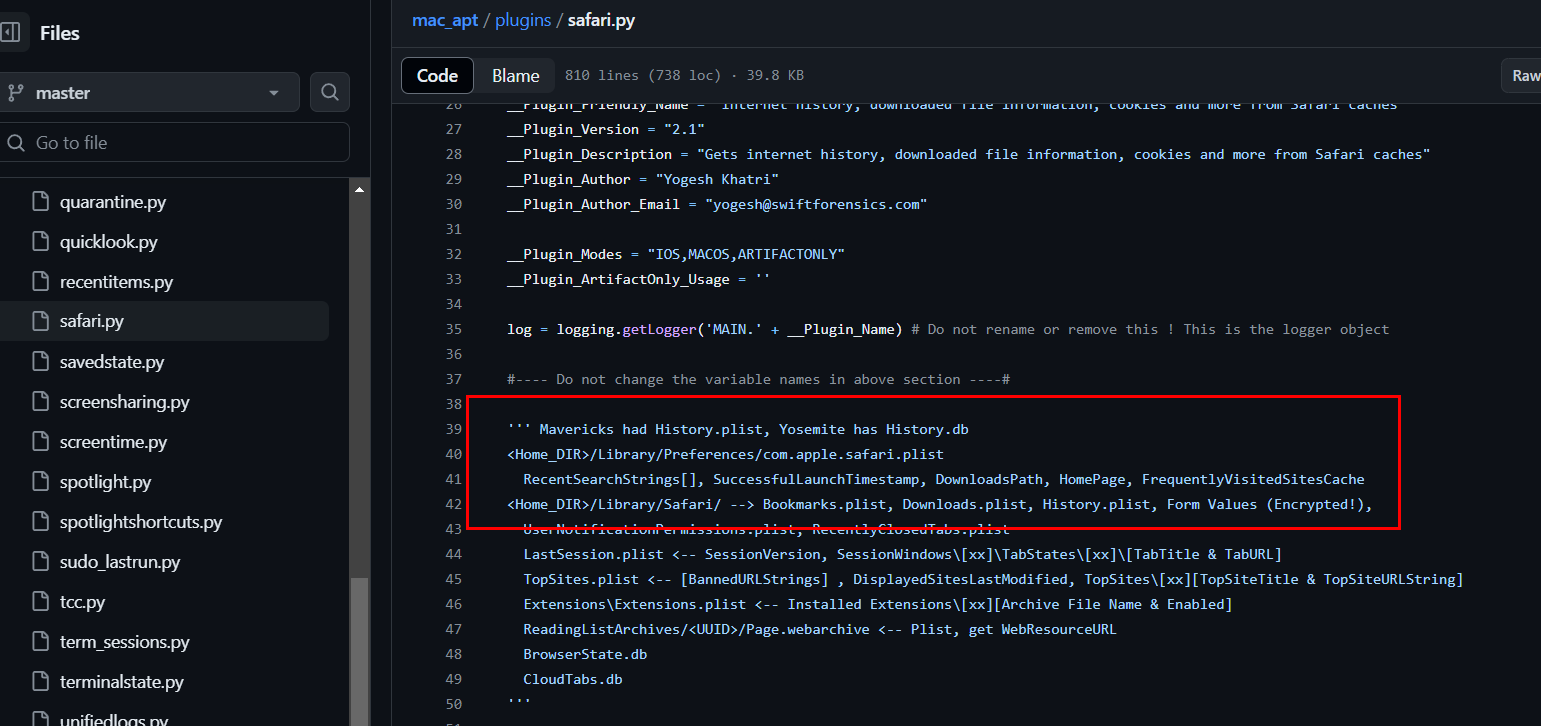
Tools that can help us on this lab is mac_apt which have various plugins for various artifacts and SAFARI plugin is written in safari.py , which you can see the location and artifacts we need to grab to use this plugin
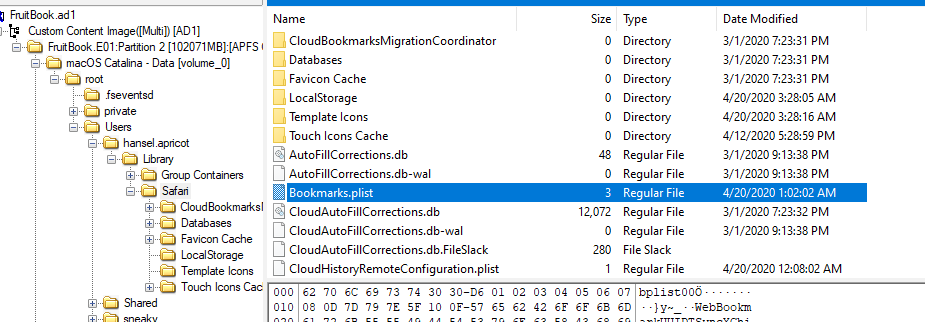
We're interested in bookmark so we will grab Bookmarks.plist

Filter by using http, there are 13 bookmarks that were saved.
13
Q4: What's the content of the note titled "Passwords"?
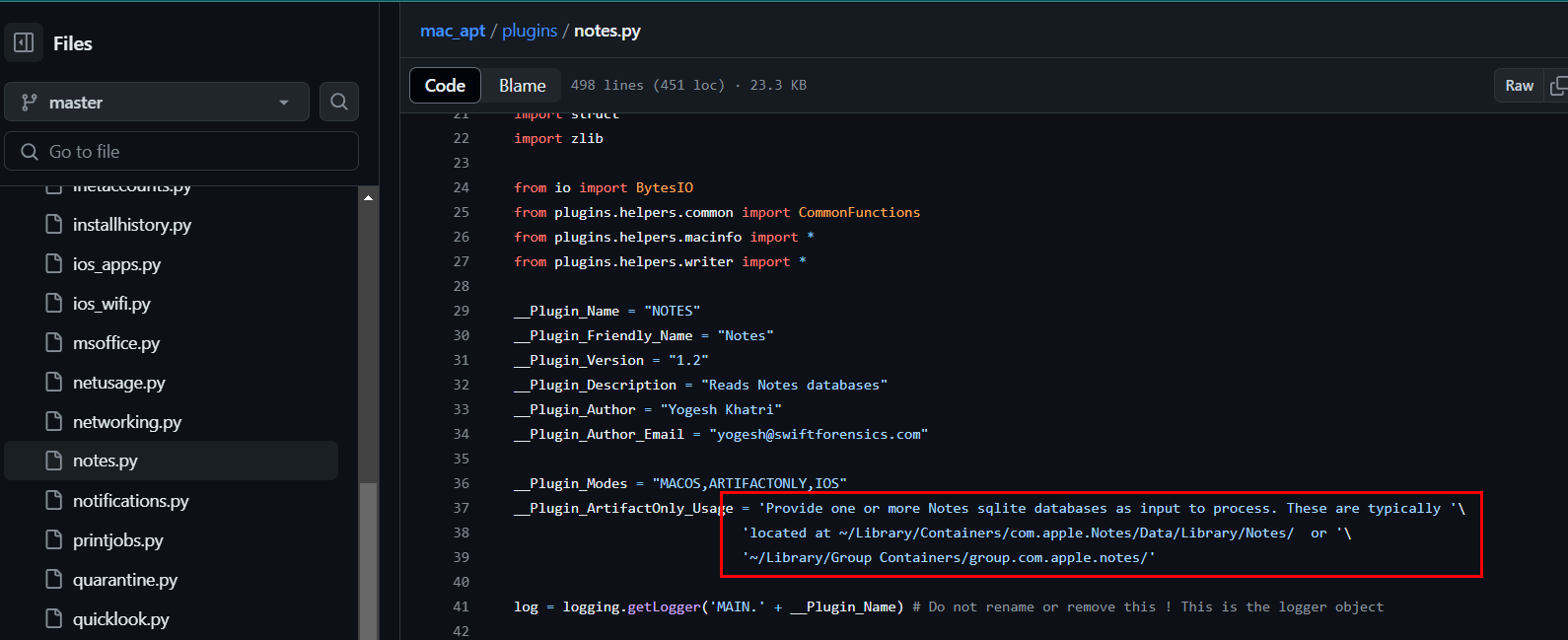
mac_apt also have NOTES plugin which written in notes.py
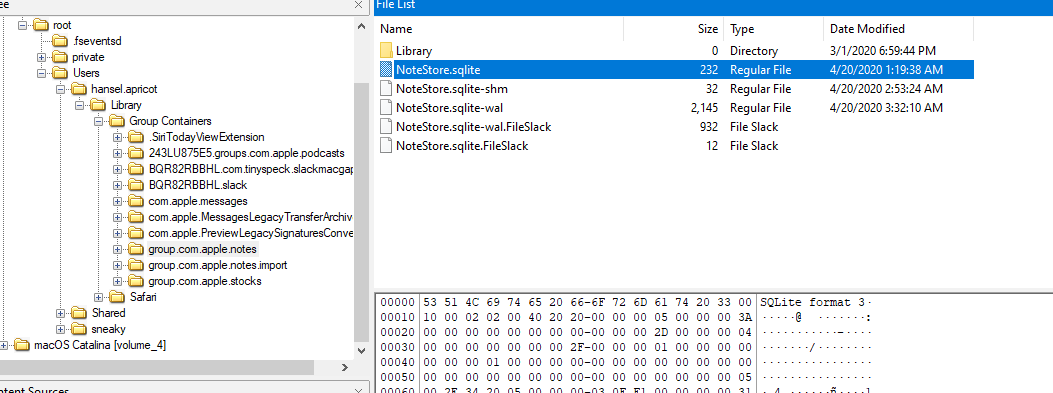
Grab NoteStore.sqlite
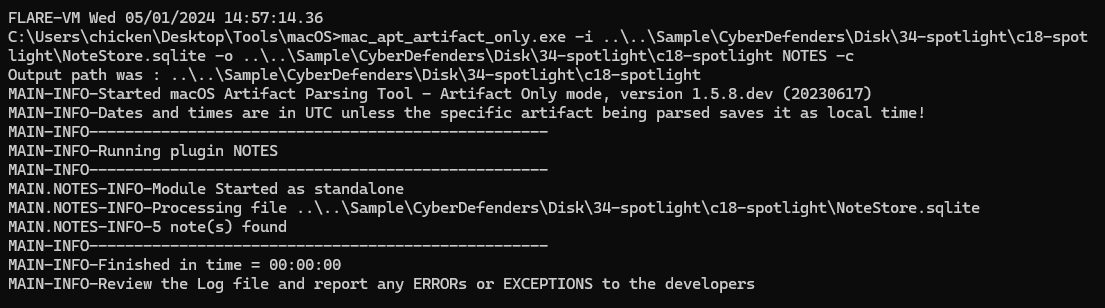
Using mac_apt_artifact_only with NOTES plugin to parse this sqlite file (mac_apt_artifact_only.exe -i NoteStore.sqlite -o . NOTES -c)
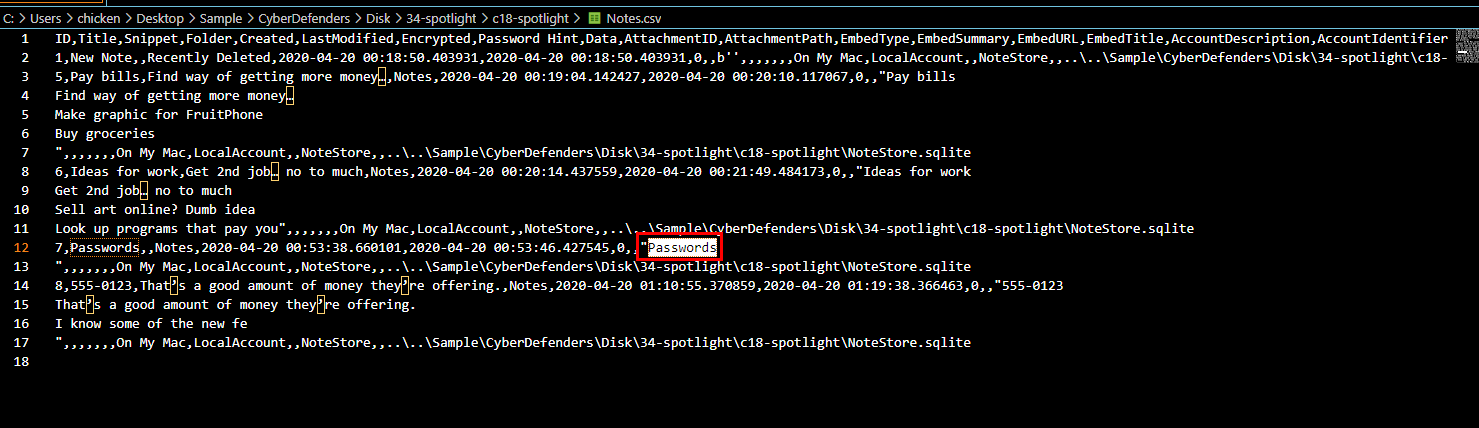
There it is
Passwords
Q5: Provide the MAC address of the ethernet adapter for this machine.
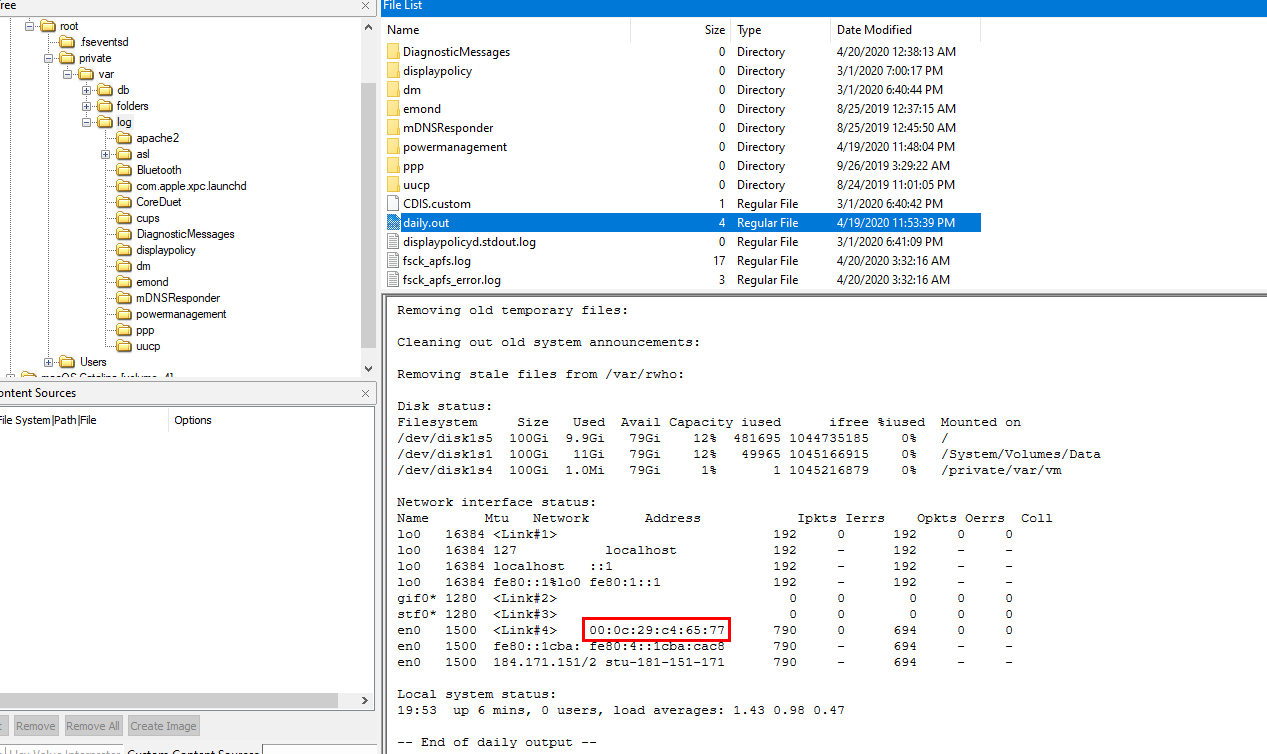
I couldn't find any useful information while researching so I clicked for hint then turn out that in daily.out which I continued my research after this and found this blog explained about this file like this

Which make sense why MAC address was also logged on this file
00:0c:29:c4:65:77
Q6: Name the data URL of the quarantined item.
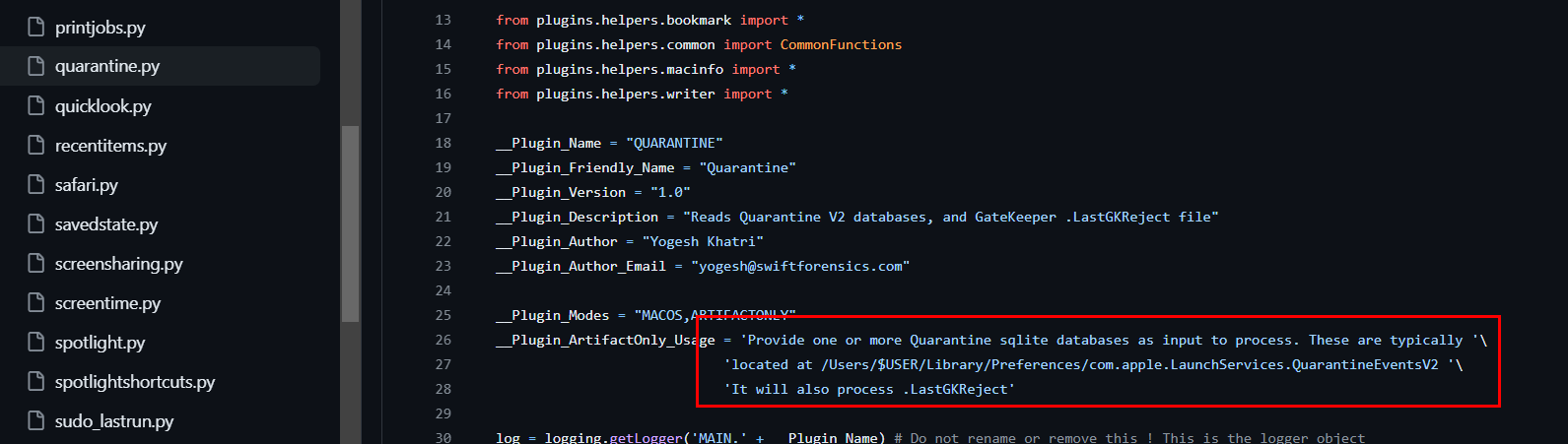
mac_apt also has a plugin for this which is called QUARANTINE
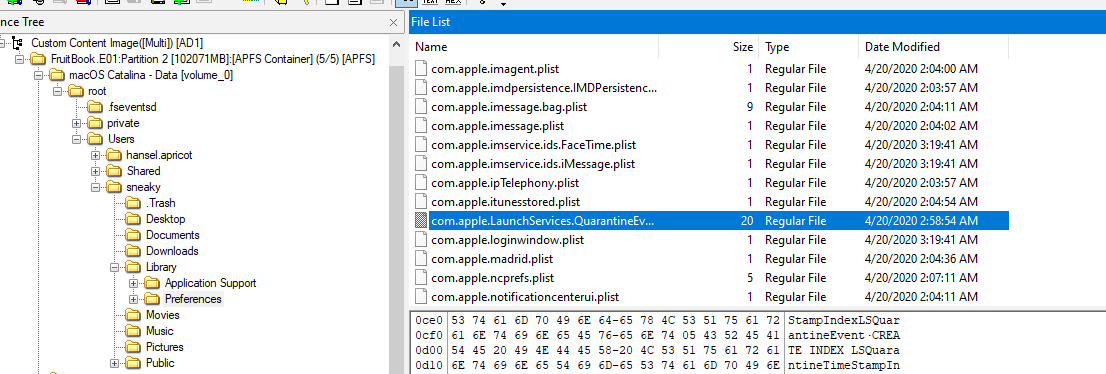

You can grab an artifact and open it with DB Browser for SQLite on LSQuarantineEvent table, you will find URL we're looking for
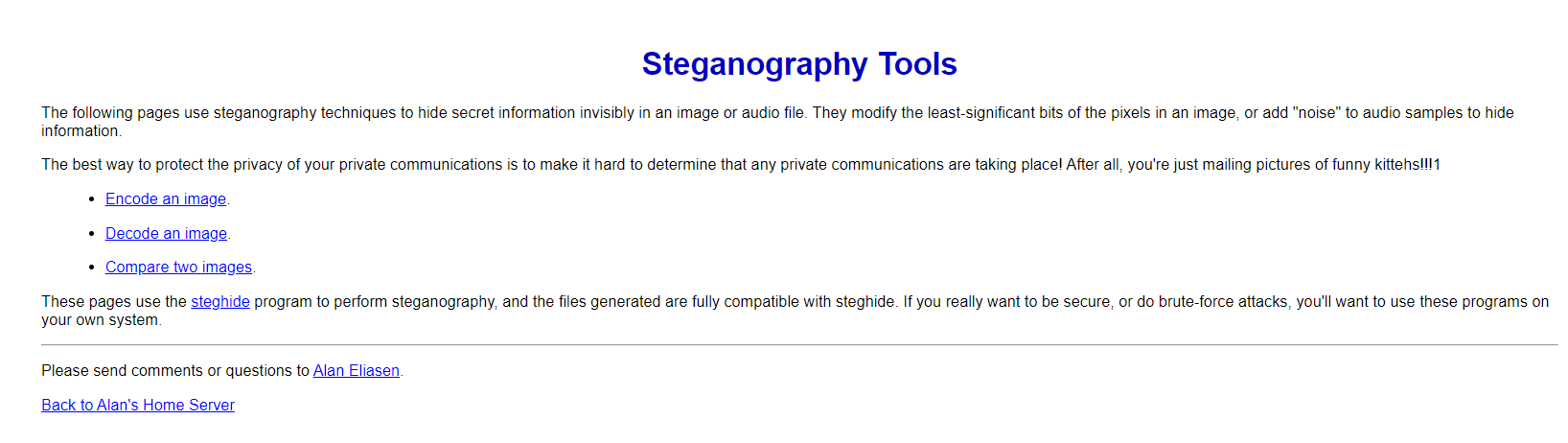
Which is a script to encode secret information to an image which gave us a clue about how to solve later question related to steganography
https://futureboy.us/stegano/encode.pl
Q7: What app did the user "sneaky" try to install via a .dmg file? (one word)
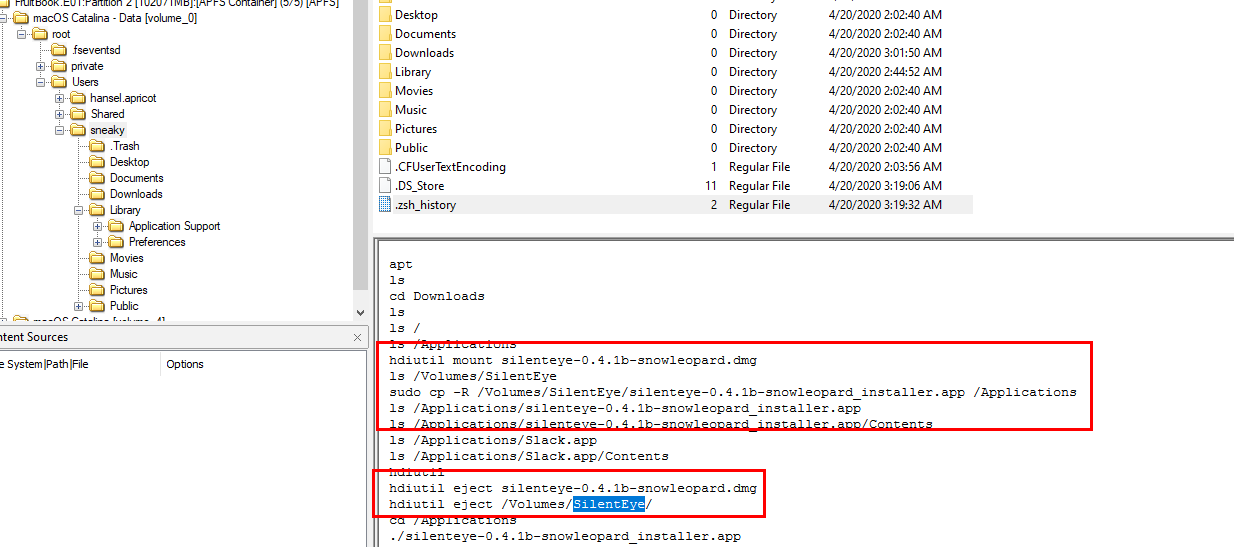
back to terminal history, you can see that SilentEye was installed
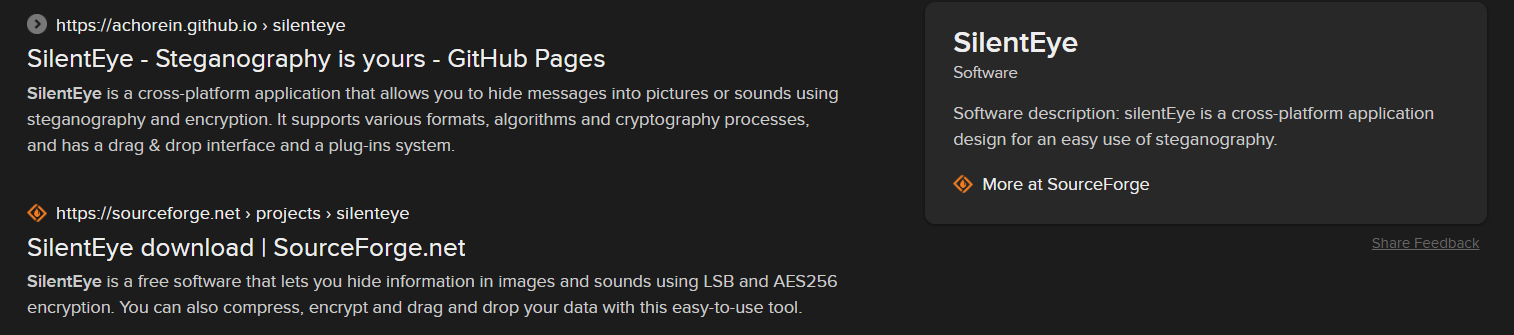
Which is another steganography tool
SilentEye
Q8: What was the file 'Examplesteg.jpg' renamed to?
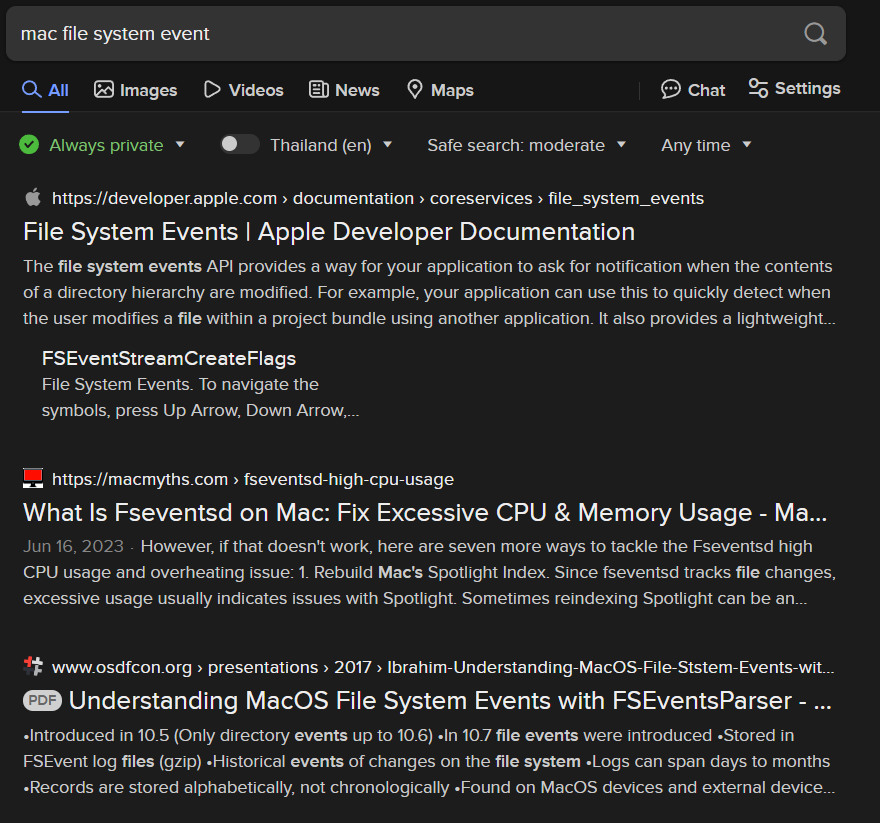
All file system events happened on Mac will be stored inside .fseventsd
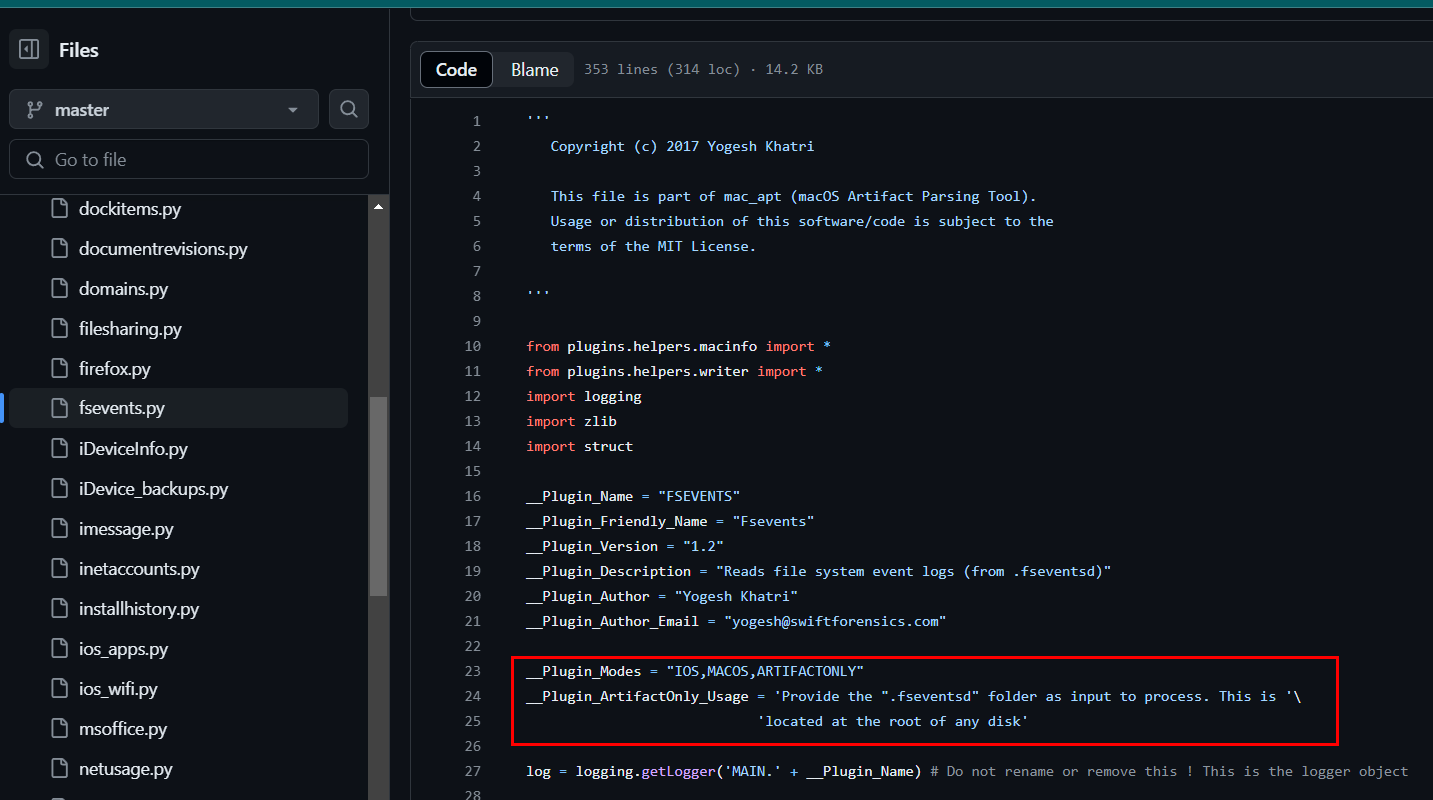
Luckily, mac_apt also has a plugin for this
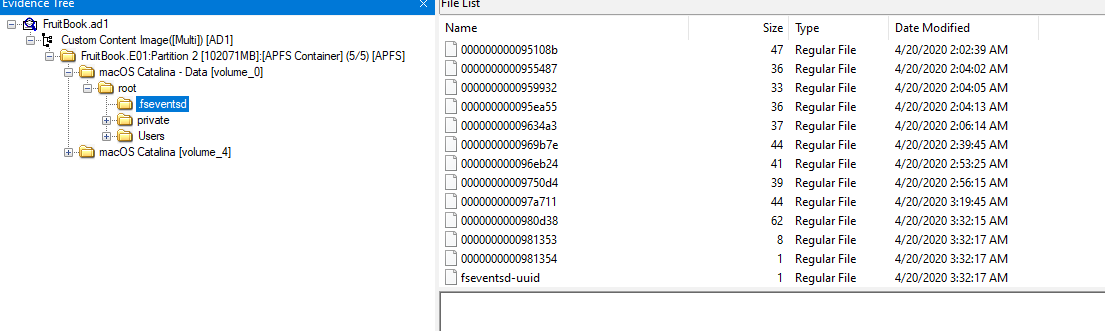
Export whole directory out
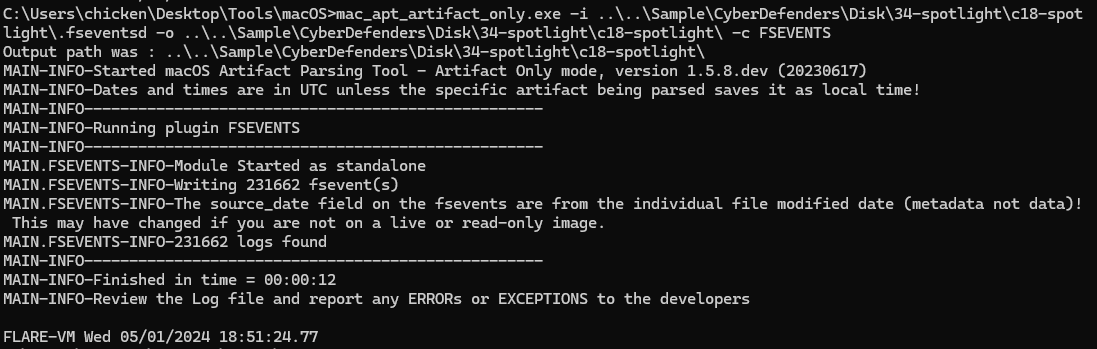
Parse those events out (mac_apt_artifact_only.exe -i .fseventsd -o . -c FSEVENTS)

Find for 'Examplesteg.jpg', you can see that it will be renamed to GoodExample.jpg
GoodExample.jpg
Q9: How much time was spent on mail.zoho.com on 4/20/2020?
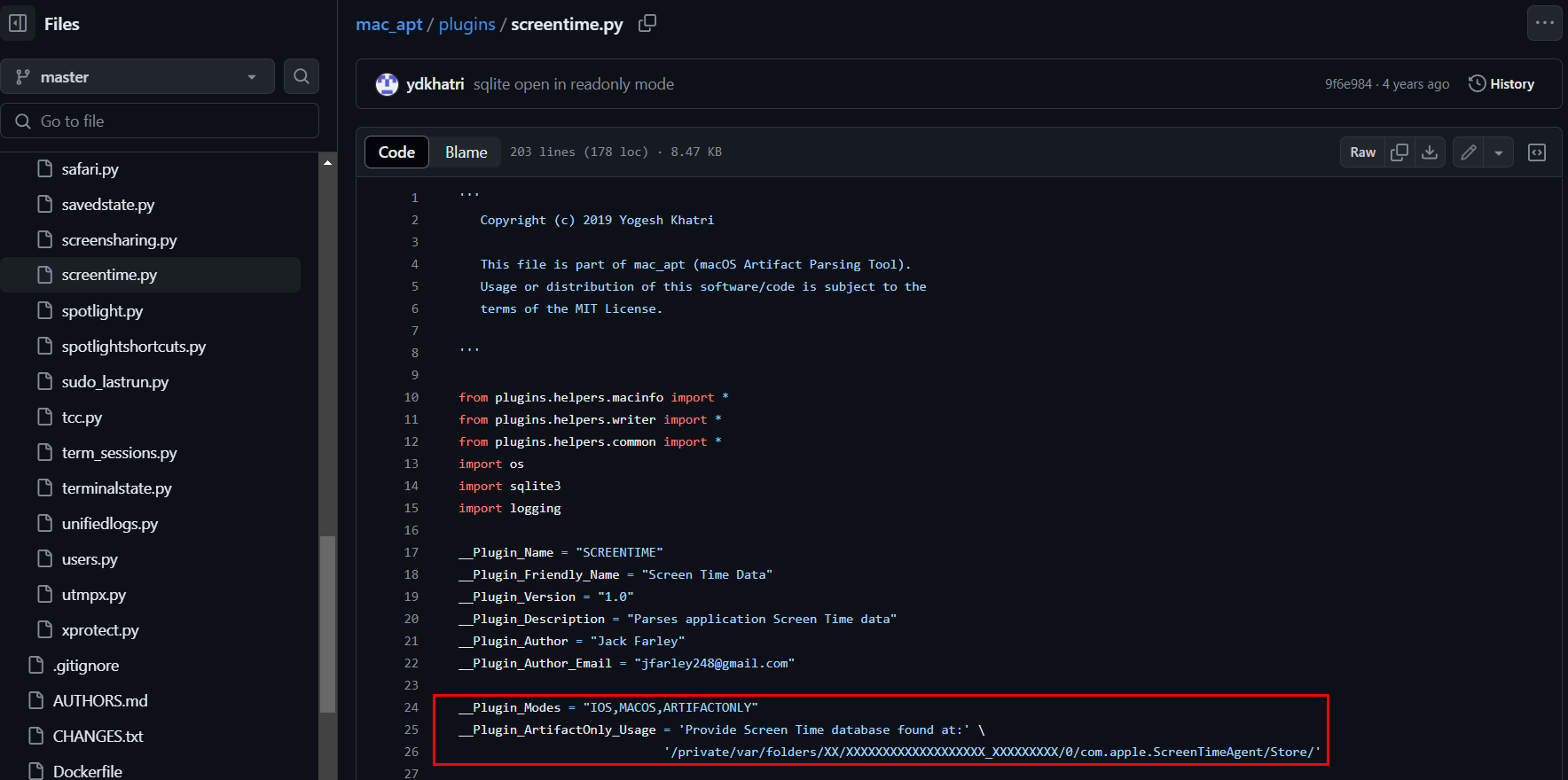
mac_apt has a plugin for SCREENTIME
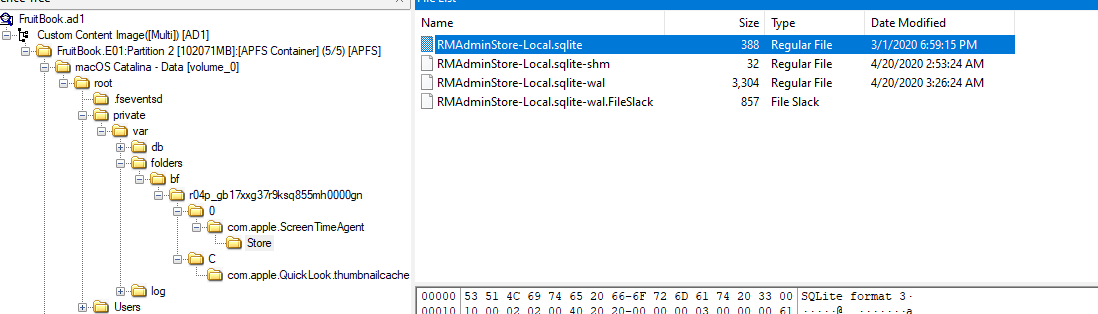
Export an artifact from ScreenTimeAgent
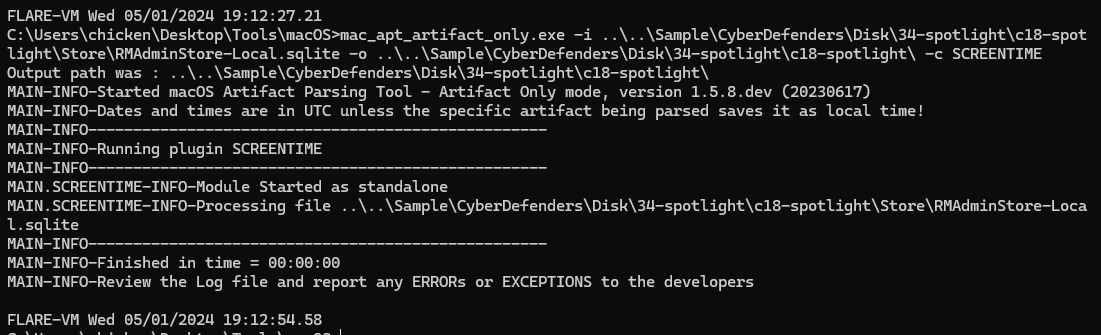 Parse the artifact with mac_apt (
mac_apt_artifact_only.exe -i RMAdminStore-Local.sqlite -o . -c SCREENTIME)
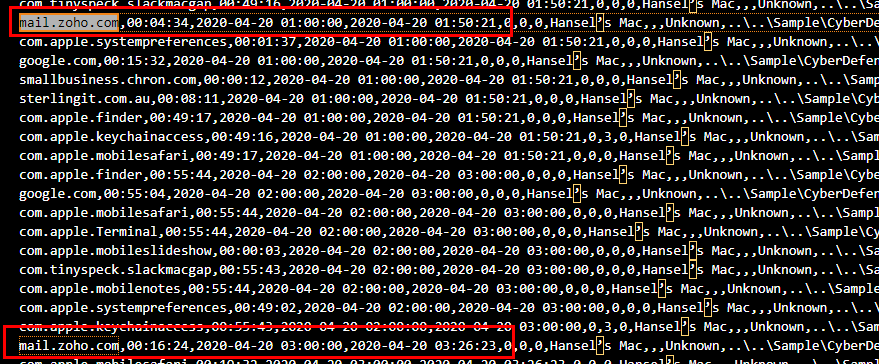
Search for "mail.zoho.com" on 4/20/2020 which you can see that there are 2 events there so lets sum up -> 04:34 + 16:24 = 20:58
20:58
Q10: What's hansel.apricot's password hint? (two words)
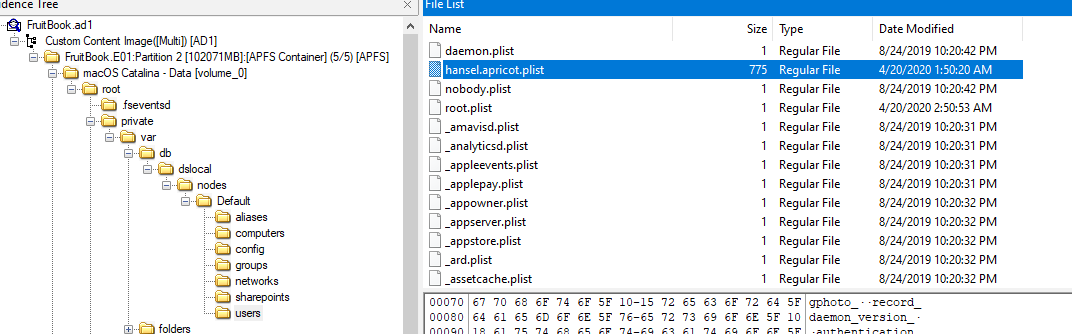
Most of user information on a system will be stored in username.plist at private/var/db/dslocal/node/Default/users
I used this PList Editor to open plist file
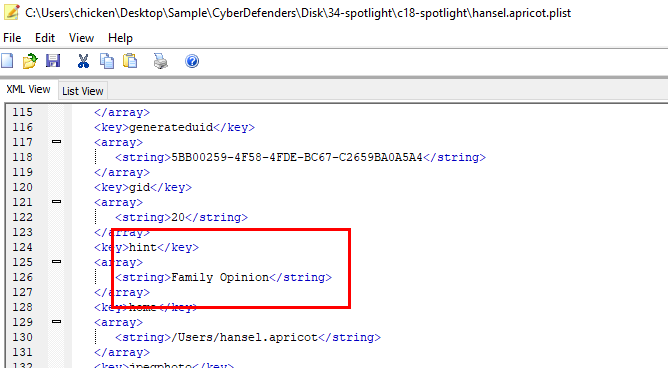
After scrolling for a while (or filter for "hint"), you will find password hint of this user
Family Opinion
Q11: The main file that stores Hansel's iMessages had a few permissions changes. How many times did the permissions change?

I went to mac_apt imessage.py to find where to get an artifact for this question
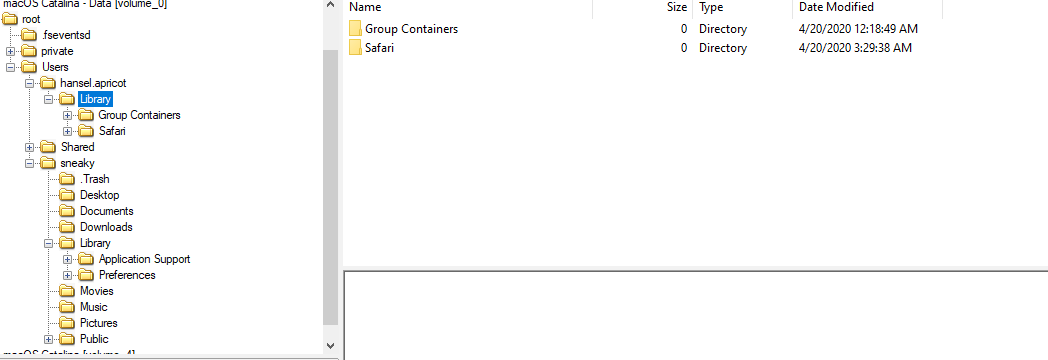
But it was not available here but we still have file system event that we just parsed using mac_apt

Find for directory that store imessage artifact, you can see the pattern to filter

Using this filter, it narrows down to 7 permission changes to this file
7
Q12: What's the UID of the user who is responsible for connecting mobile devices?
I did some research because I never used Mac and IPhone before which I found this blog explain what happened what MAC and mobile from apple connect to each other.
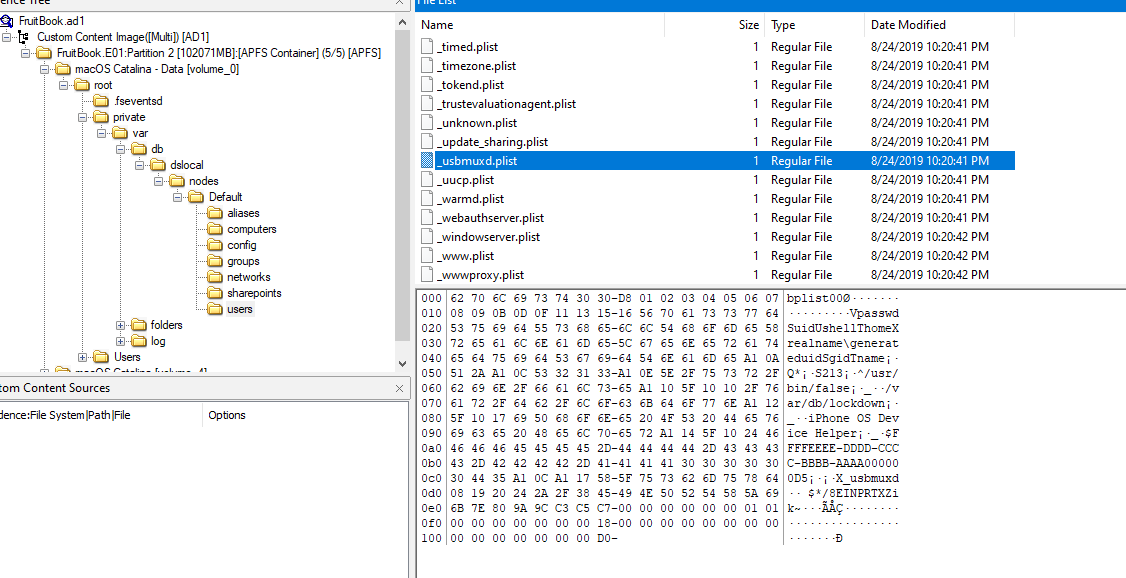
And the artifact that will be needed is _usbmuxd.plist
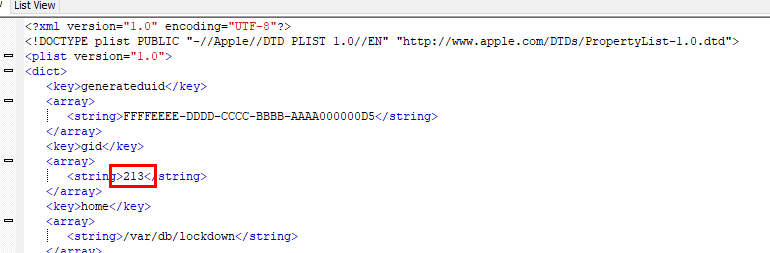
213
Q13: Find the flag in the GoodExample.jpg image. It's hidden with better tools.
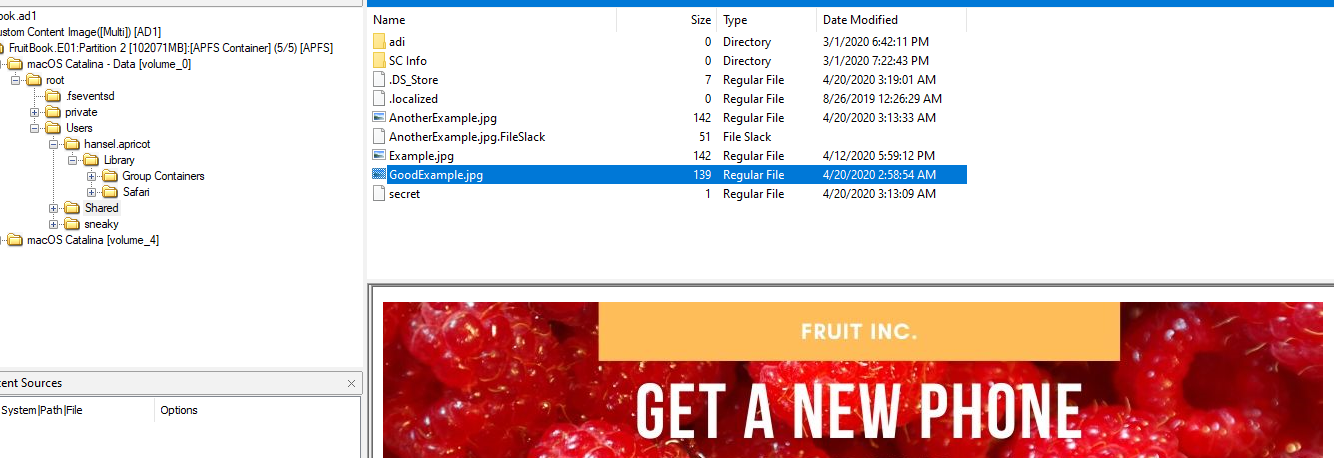
From File System Event, we know that this image was renamed and located in Shared directory
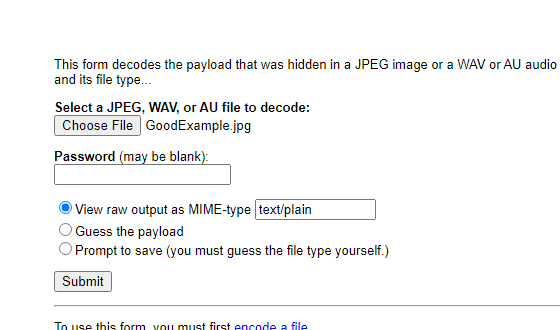
Using website that was quarantined we can upload this image and unreveal it secret for us
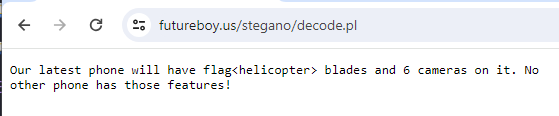
There it is
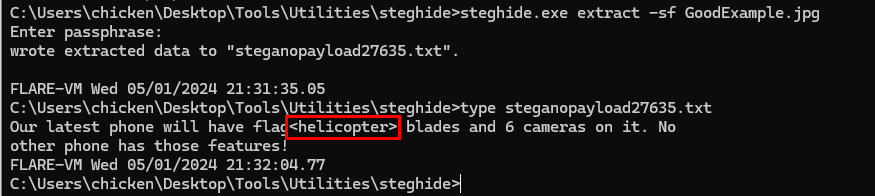
Another way to solve this question is to use steghide (steghide.exe extract -sf GoodExample.jpg)
helicopter
Q14: What was exactly typed in the Spotlight search bar on 4/20/2020 02:09:48
Spotlight is the Windows Search but on Mac

Which our best friend mac_apt has 2 plugins for this feature

I didn't find any artifact from spotlight.py so I went to spotlightshorcuts.py to find more artifacts
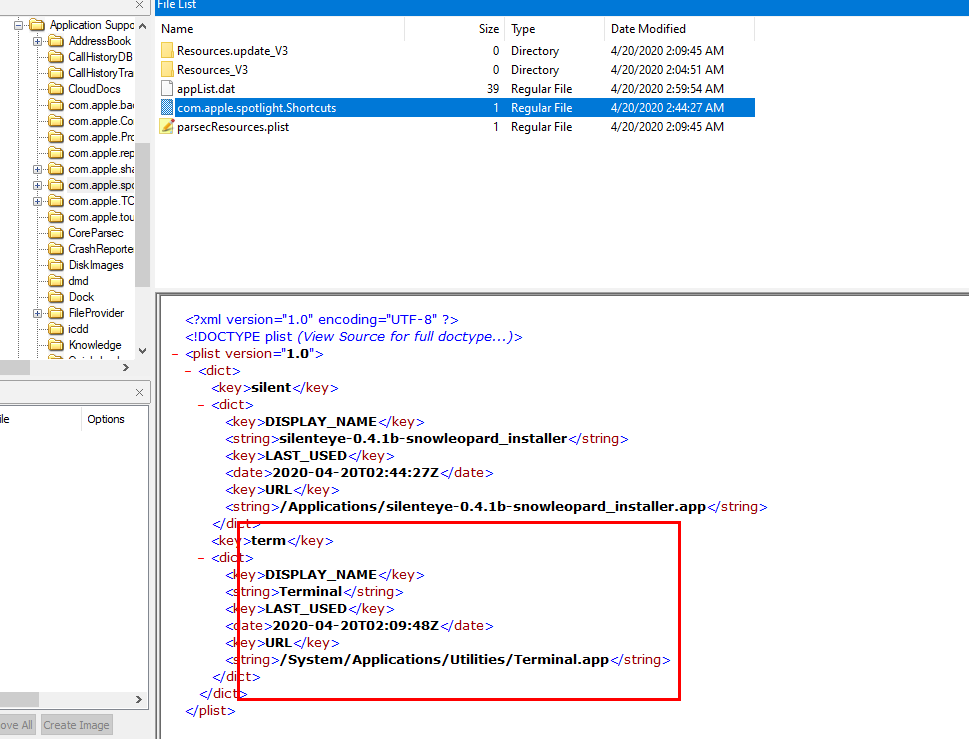
Luckily, it still there and without exporting we can still see an answer
term
Q15: What is hansel.apricot's Open Directory user UUID?
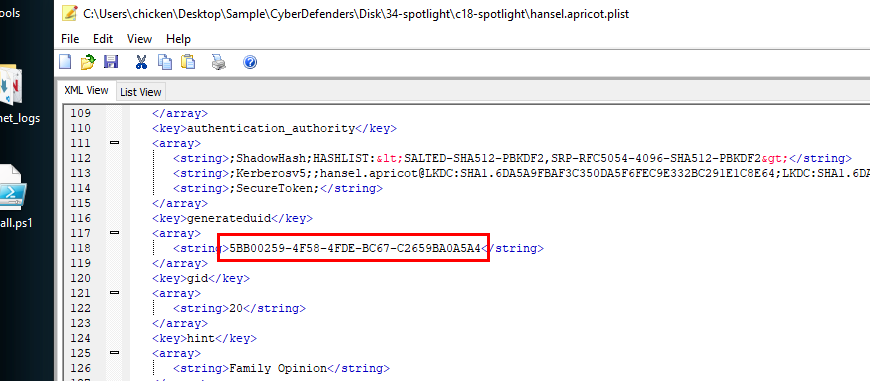
Back to hansel.apricot.plist, find for generateduid
5BB00259-4F58-4FDE-BC67-C2659BA0A5A4
https://cyberdefenders.org/blueteam-ctf-challenges/achievements/Chicken_0248/spotlight/